
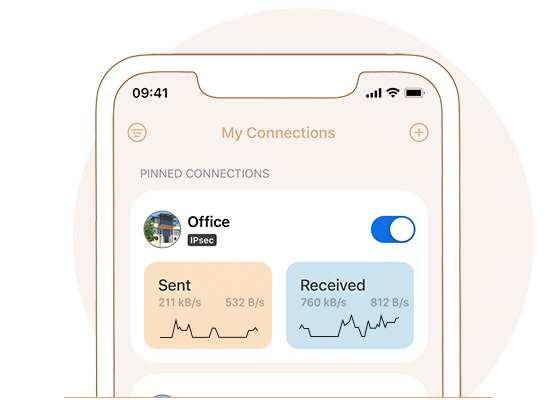
Check if your device is compatible with VPN Tracker. If your vendor or device is not listed, chances are that it will work anyway. VPN Tracker supports all major VPN protocols. View supported protocols.



 |
|
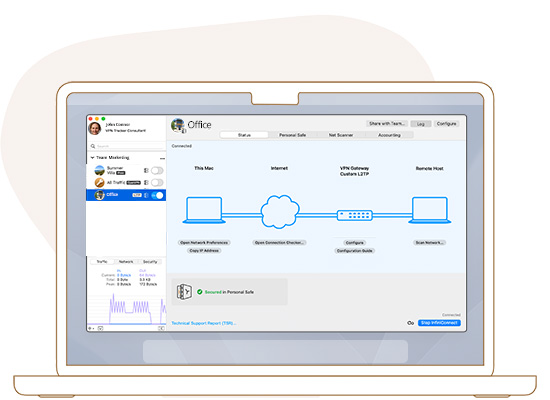
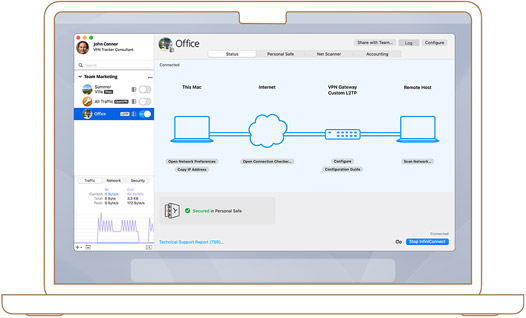
If you need help connecting to your VPN, our team of VPN experts is ready to help. Whether it's with built-in troubleshooting tools or by contacting us, VPN Tracker will help you get connected. |
|
 |
|
|---|---|
| What is it for? | Remotely connect to your office or home network |
| What can I do with it? | Access your office, university, home or enterprise network. Roll out connections to your team. |
| Supported devices | Mac (Intel Macs and Macs with Apple M Chips), iPhone & iPad (iOS 15 + iOS 16) |
| VPN Gateways | Supports over 300 VPN devices by leading manufacturers |
| Supported VPN protocols | IPsec, OpenVPN, L2TP (Mac exclusive), PPTP (Mac exclusive), SonicWall SSL, Cisco Meraki, Cisco AnyConnect SSL, Cisco EasyVPN, SonicWall Simple Client Provisioning, Mode Config, SSTP VPN, Fortinet SSL VPN, WireGuard®, and more. |
| Supported VPN configurations | Host to Network and Host to Everywhere (encrypt all traffic) |
| Multi-VPN support | Use multiple VPN connections simultaneously on your Mac (PRO) |
| Purchase options | Annual plan |
| Pricing | from € 7,00 a month |
| Free Trial | Start free trial |
Displayed dollar prices are in USD.
 |
 |
|
|---|---|---|
 Tried and tested VPN configurations, with 20 years of VPN experience Tried and tested VPN configurations, with 20 years of VPN experience |
 Bundle unlicensed and 3rd party code - VPN at your own risk Bundle unlicensed and 3rd party code - VPN at your own risk |
|
| 100% Mac- and iOS-native code and custom-designed, secure VPN implementation |
Not Mac and iOS exclusive |
|
| All your VPN connections in a single app, multi-protocol support |
Require multiple VPN apps on your system which can cause conflicts with each other |
|
| High-speed SonicWall IPSec VPN with SonicOS Simple Client Provisioning on Mac and iOS |
Slow speeds and limited support for SonicWall and other vendors |
|
| Securely store connections in your account with end-to-end encrypted backup and sync between devices |
Lose your VPN configuration when you switch between devices, manual setup |
|
| Securely signed components and tamper-proof security architecture |
Leave your system open to attacks with unsigned network components |
|
| Ongoing security monitoring and instant update mechanism |
Don't offer device-specific profiles or settings |
|
| Get direct support from our VPN engineers with secure help requests |
No support, limited macOS compatibility |
|
| Trusted by the Apple Consultants Network |
"Recommendations" from shady websites or advertisement platforms |
|
| Signed Software made in Munich, Germany |
Unknown or obscured sources of the software or its components |
|
|
VPN Tracker securely connects thousands of Macs, iPhones & iPads worldwide with VPNs every day. Trust in our long experience working with advanced VPN technology. |
|
For iPhone & iPad from iOS 15, including iOS 16 or for Mac from macOS 10.13 to macOS 14 Sonoma and M1 & M2 Macs
