


Get a reliable and secure L2TP VPN client for macOS. VPN Tracker makes it simple for professionals to connect to L2TP VPN networks on macOS High Sierra through macOS Tahoe — optimized for business and remote work.


|
Get a reliable and secure L2TP VPN client for macOS. VPN Tracker makes it simple for professionals to connect to L2TP VPN networks on macOS High Sierra through macOS Tahoe — optimized for business and remote work.
|
|
|
Looking for a reliable way to connect to L2TP VPN on Mac? VPN Tracker is the professional L2TP/IPsec client for macOS, guiding you through setup step by step. Ideal for business users and teams who need secure access to company, home, or cloud networks directly on macOS. VPN Tracker offers native macOS integration, secure IPsec encryption, and a guided setup that works even without deep networking knowledge. Establish your L2TP VPN connection quickly, securely, and reliably. |
|
Setting up an L2TP VPN on macOS with VPN Tracker is quick and straightforward. Import your VPN connection, enter your server address, username, and shared secret, then connect securely with one click.
For a full step-by-step walkthrough, see our L2TP VPN configuration guide for Mac →
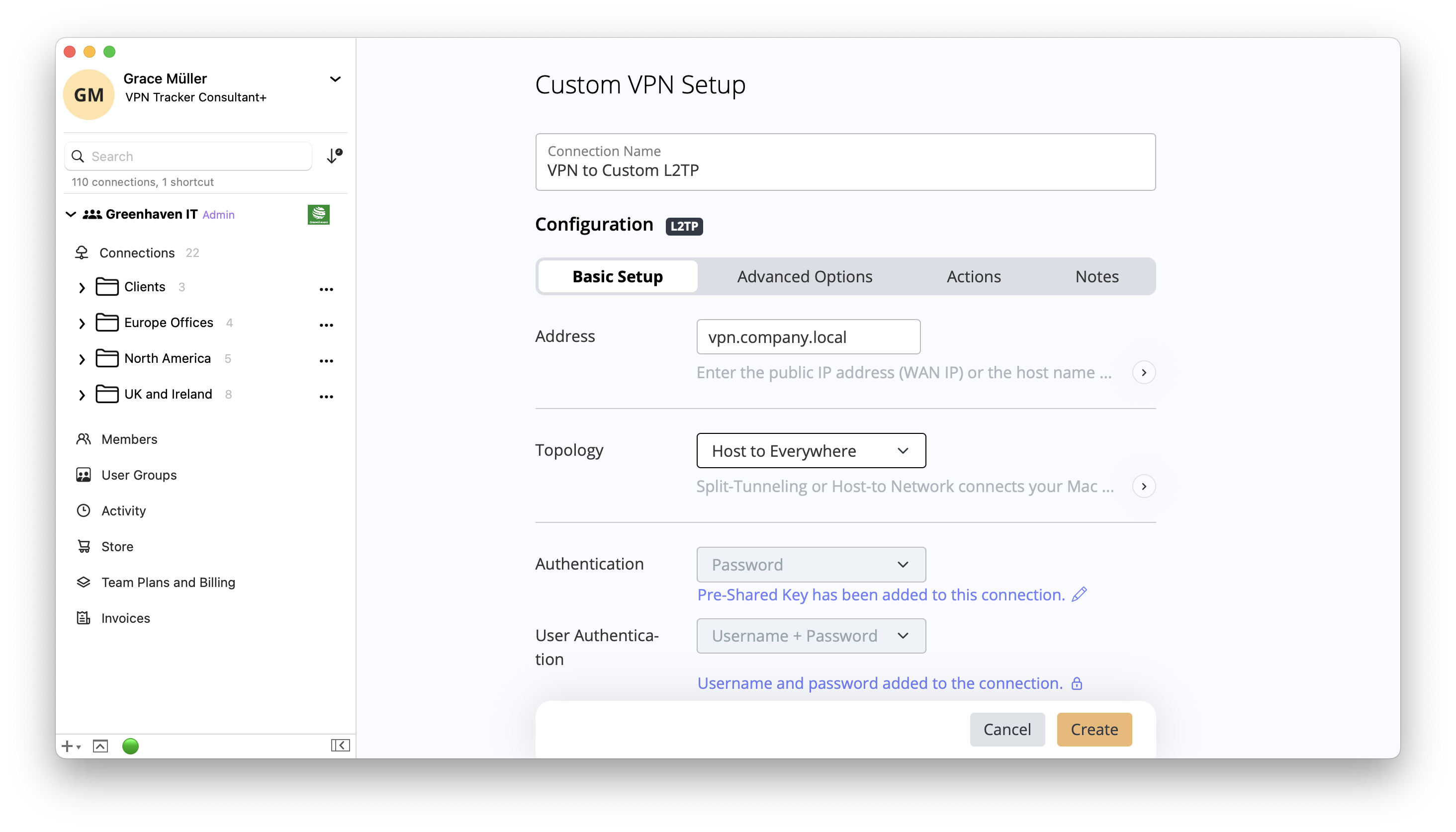 |
|
VPN Tracker is the leading professional VPN client for macOS, trusted by businesses, consultants, and IT teams worldwide. It offers more than just a simple VPN connection – with advanced features that make managing and securing L2TP VPNs easier than ever.
Whether you’re an IT admin, freelancer, or part of a growing team, VPN Tracker ensures your L2TP VPN connection is secure, reliable, and ready for business. |
Our VPN Tracker experts are here to assist you with setting up secure L2TP VPN connections on Mac - so you can stay focused on what matters. Speak to a VPN Tracker expert today for advice on: