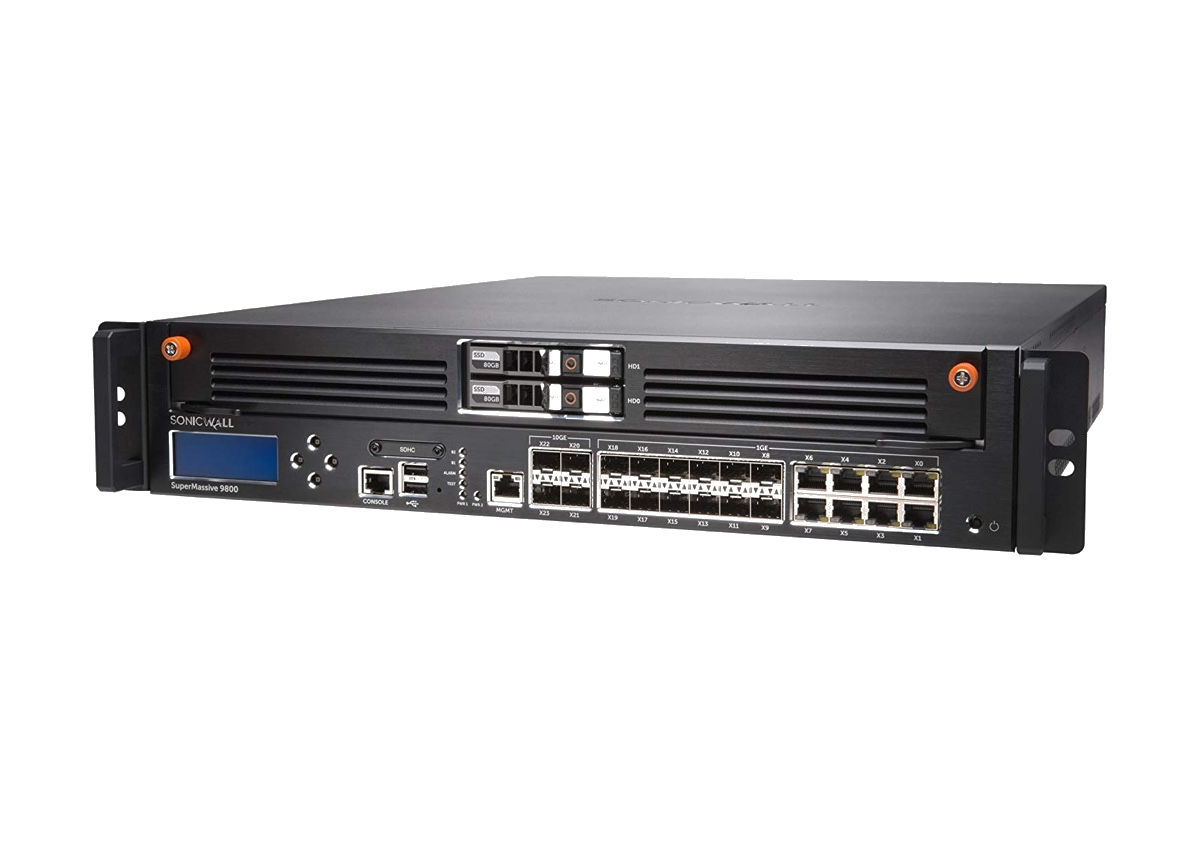
SonicWall SuperMassive 9800
The SonicWall SuperMassive 9800 is the fastest and the most productive appliance from the entire SonicWall SuperMassive range. Its comprehensive design guarantees excellent performance and security. However, the intuitive OS also ensures a convenient user experience - both for admins and regular endusers.
Thanks to its productivity and security specifications, SuperMassive 9800 is a good solution to manage large scale enterprise networks or data centers.
On this page, we take you through the key specification for the SM9800, as well as all you need to know about setting up a VPN connection for your SuperMassive Series Next-Gen firewall.
| Series | SonicWALL SuperMassive 9000 Series |
| Firewall throughput | 31.8 Gbps |
| VPN throughput | 14.3 Gbps |
| Model | SM9800 |
| Recommended for | Data Centers (500+ users) |
| Supported VPN standards | IPsec, SSL |
| Max. number of VPN users | 2000 - 10000 |
| User management on device | yes |
| Automatic network configuration | yes |
| RAM | 64 GB |
| Processor cores | 64 |
| Device Status | Active |
Configure VPN for a SonicWALL SuperMassive 9800 Next-Generation Firewall
Follow these steps to set up a VPN connection on your SuperMassive Series NGFW:
- Open the network interface for your device.
- Note down the public IP address.
- Configure the Pre-Shared Key / Shared Secret (check our detailed configuration guide for more information.)
You are now ready to configure your connection on your Mac.
Set up a Mac VPN connection for a SonicWALL SuperMassive Series Firewall
VPN Tracker is the best macOS VPN client for SonicWALL SuperMassive Series Next-Generation firewalls. Thanks to support for Simple Client Provisioning, all your device's settings can be easily imported to VPN Tracker 365 for a straightforward setup.
Follow these steps to start using your newly configured VPN connection on your Mac in VPN Tracker 365:
- Download VPN Tracker 365 free and install the app on your Mac.
- Set up a new Company Connection and choose SonicWALL > SuperMassive Series from the list.
- Enter your device's public IP address by 'VPN Gateway', then select Simple Client Provisioning as the Network Configuration method.
- Click done to save and test your connection.
You can now use your SonicWALL VPN connection on your Mac. You can find more detailed device info for SonicWALL firewalls
here.
Download VPN Tracker Learn More