


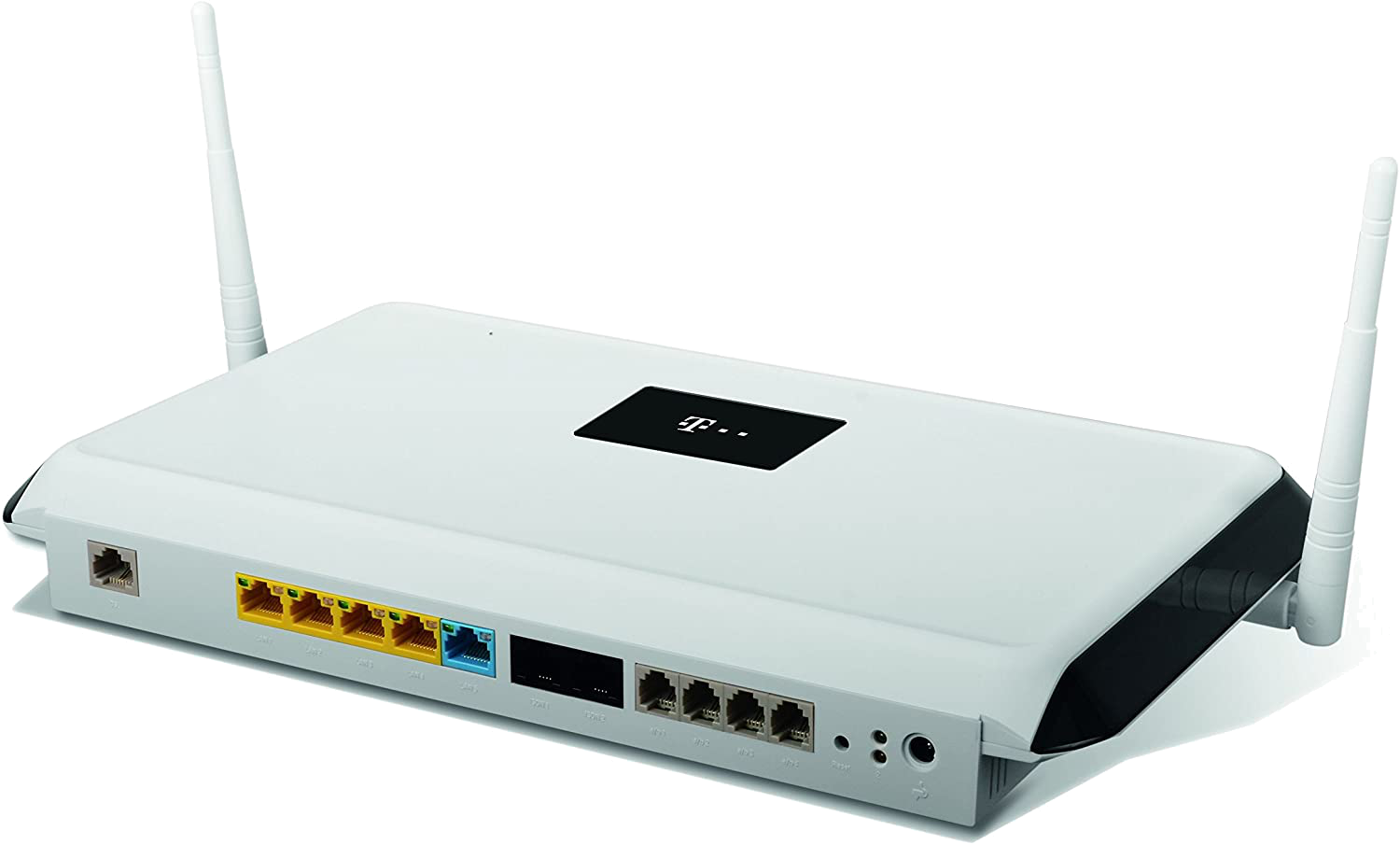
The Telekom Digitalization Box series are powerful VPN routers, perfect for small businesses and home office users. On this page you will find the most important technical information about the Digitalization Box Premium as well as a step-by-step guide on how to configure a VPN connection to your Telekom Digitalization Box router in VPN Tracker 365.
| Series | Telekom Digitalisierungsbox |
| Model | Digitalisierungsbox Premium |
| Recommended for | Home Office (1-5 users) |
| Supported VPN standards | IPsec |
| Max. number of VPN users | 5 |
| Built-in WiFi | yes |
| Device Status | Active |
VPN Tracker is the best VPN client for Telekom VPN gateways. Create a free account today to use your new VPN connection on your Mac, iPhone or iPad in VPN Tracker.