ENDE
The #1 VPN Client for Mac, iPhone & iPad
Features
Teams
Tech Specs
Consultant Service
Pricing
FAQ & Support
Blog
Downloads


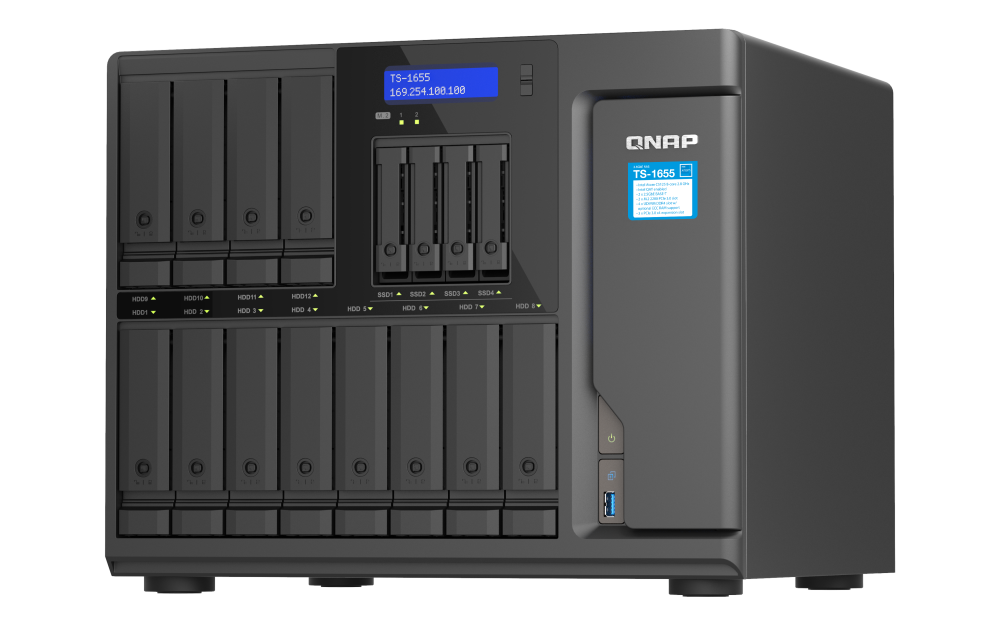
QNAP TS-1655

https://blog.vpntracker.com/x/how-to-configure-vpn-for-qnap-nas/

SeriesQNAP NAS
ModelTS-1655
Recommended forSmall Business (5-20 users)
Supported VPN standardsOpenVPN, L2TP, PPTP, WireGuard®
ProcessorIntel ® Atom® C5125 8-core processor, 2.8GHz
User management on deviceQTS 5.0.1 OS
Device StatusActive

Connect to QNAP TS-1655 VPN on Mac, iPhone or iPad

In order to connect to your QNAP TS-1655 via VPN, you will need a VPN client. VPN Tracker is the best VPN client for Mac and iOS users and setup only takes a few minutes:
  1. Open the VPN Tracker Connection Creator for QNAP NAS and create a free account
  2. Upload your OpenVPN config file and set your network preferences
  3. Save your connection in your account for secure access on your Mac, iPhone and iPad in VPN Tracker


    Create a connection