


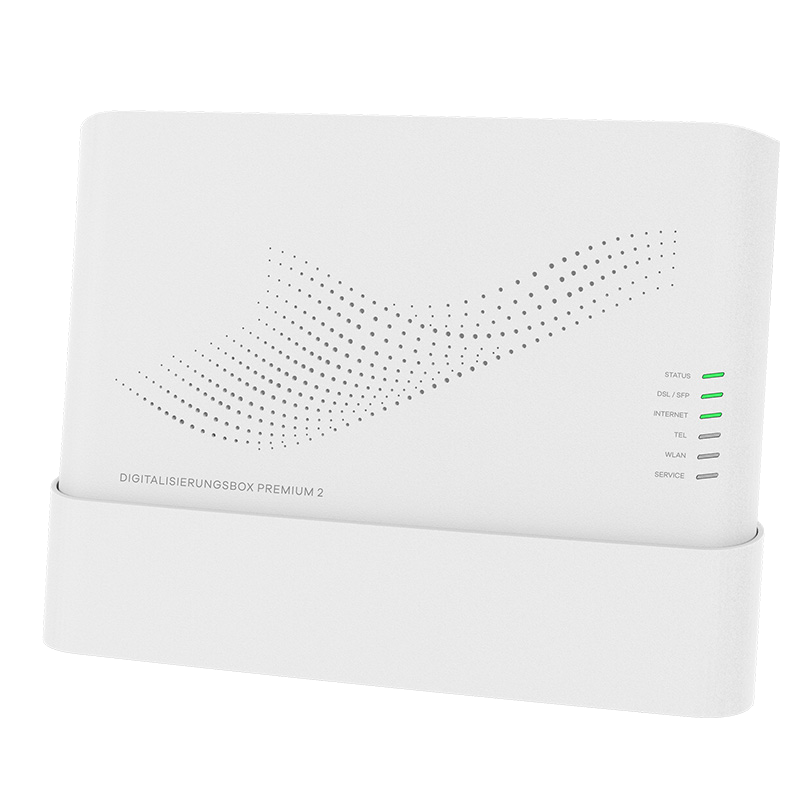
The Telekom Digitalisierungsbox Premium 2 is a high-quality router that is perfect for use in the home office and for small businesses thanks to its WiFi 6 and VPN support. This guide explains step-by-step how to set up an IKEv1 IPsec VPN server on your Telekom Digitalisierungsbox Premium 2 to connect to your internal network while on the go.
| Series | Telekom Digitalisierungsbox |
| Model | Digitalisierungsbox Premium 2 |
| Recommended for | Small Business (5-20 users) |
| Supported VPN standards | IPsec IKEv1, IKEv2 |
| Max. number of VPN users | 5 |
| Built-in WiFi | yes |
| WiFi performance | Dualband-WLAN mit 4x4 2.4 GHz und 4x4 5 GHz mit insgesamt bis zu 5,6 Gbit/s |
| Additional features | WiFi 6 und Glasfaser-Unterstützung, DHCP-Server |
| Device Status | Active |
To connect to your Telekom Digitalisierungsbox via the new VPN tunnel, you need a VPN client. VPN Tracker is the best VPN client for Mac and iOS devices.
Create a free VPN Tracker account to connect remotely to your Digitalisierungsbox with Mac, iPhone and iPad.